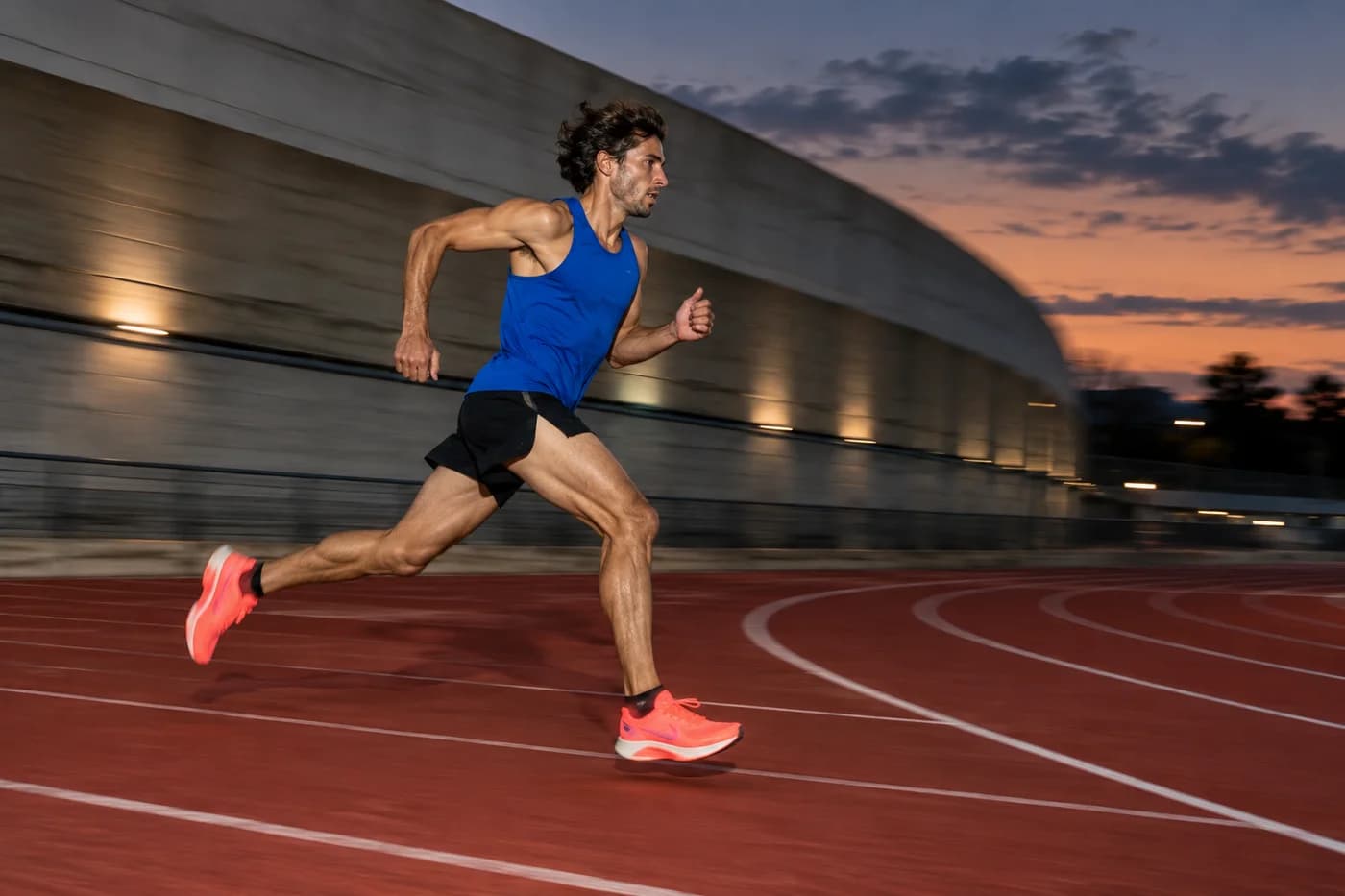
Move
Your steps become a signal
Your pace changes. Your music follows. A new connection between the way you move and the music you love.
Some runs are a slow burn. Others are all instinct. RYVO uses simulated running cadence to create a musical target. Keep your own rhythm. Let the music meet you there.
Movement, music, and a little space between them. A closer look at the idea behind RYVO.
Your steps become a signal
A track to meet your stride

The same song, a new tempo
Your files. Your soundtrack.
Find your beat-to-step ratio
Your run stays yours
Beat-Matched Playlist selects a local track to fit your cadence. Real-Time Tempo Adaptation gradually changes the tempo of your chosen track with browser-native pitch preservation. Supported files and browser capabilities will apply.
A step doesn’t have to equal a beat. At the same cadence, a different ratio opens up a different musical target.
A little room to breathe. One beat for every two steps.
172 steps/min ÷ 2
Explore the ratiosRight in the pocket. One beat for every step you take.
172 steps/min × 1
Explore the ratiosAnother way to feel it. Two beats for every step.
Outside the planned track range
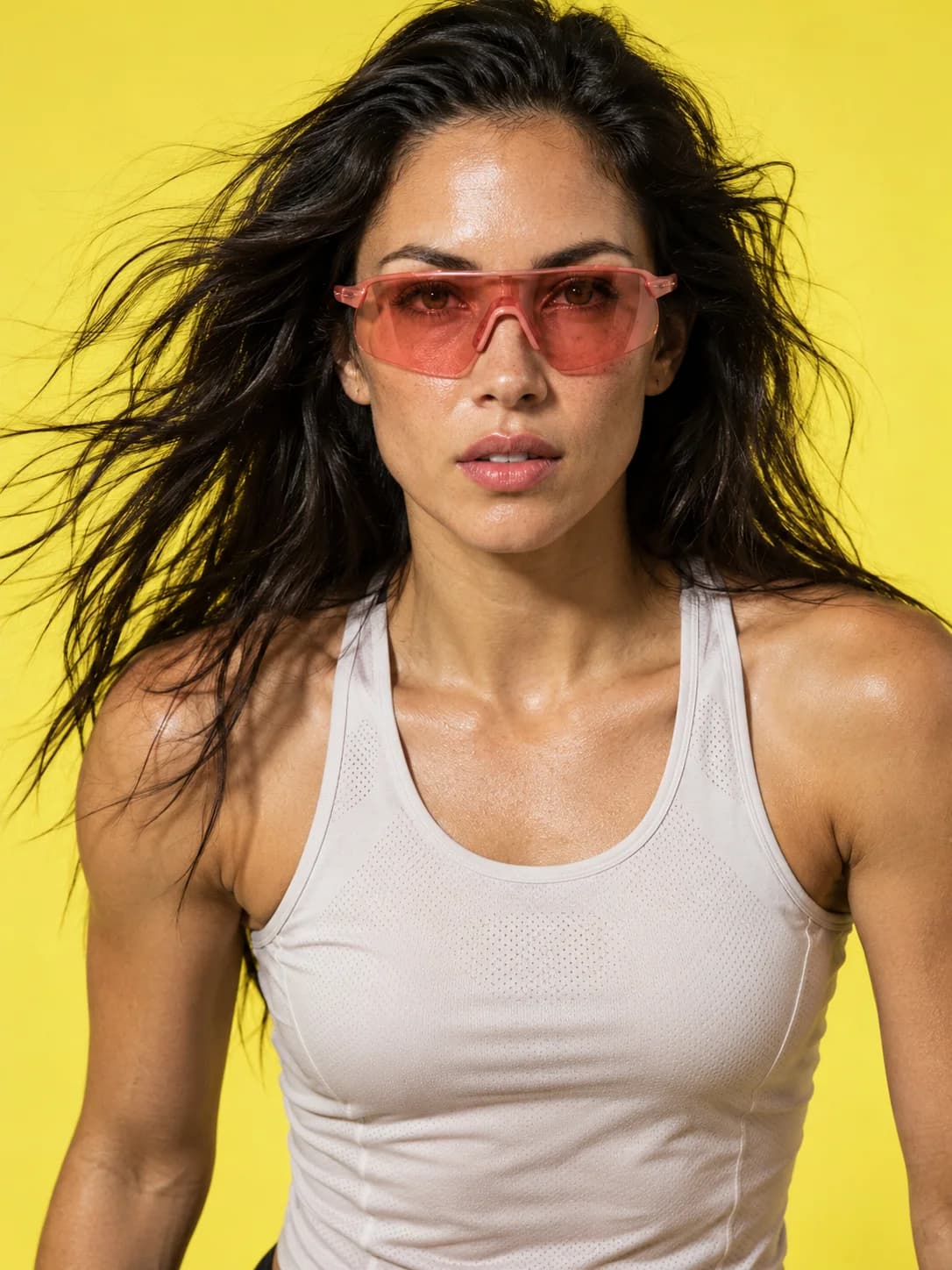
Explore the ratiosEnergy you can feel. A visual study of movement, from the first step to the last light.
Original editorial imagery. Thermal colors are an artistic treatment, not sensor data.
“Somewhere between
the beat and the step,
you find your flow.”
Your pace is time per distance.
Your cadence is steps per minute.
Your rhythm is yours to choose.
A little slower. A little faster.
Move the slider and find where your steps meet the beat.
172
steps / min172.0
beats / min172 × 1 ÷ 1 = 172.0 BPM. One beat for every step.
Visual demonstration only. No sensor measurement, audio playback, or run recording. Cadence is steps per minute; pace is time per distance.
The local simulation is ready.
Here’s what comes next, and what to expect.
This demo sends no run data and uses no sensors. The studio plays local audio without uploading it. Sessions and playlists are temporary; real sensors and server history are not included.
Future audio features will use files you choose and are permitted to play. Spotify, Apple Music, YouTube, and other third-party streams cannot be imported or tempo-processed here.
Real motion and GPS will need browser support and your explicit permission. Background and lock-screen tracking are not promised. The simulation studio needs no sensors. Manual real-run input remains planned.
Cadence will be an estimate, not a medical measurement. Lost signals must be shown as unavailable. Today’s visual demo calculates a musical target only; it does not record a run or adapt audio.
Audio quality and browser support vary. Original-tempo playback remains available if native pitch preservation is unsupported. The studio shows the applied tempo and any limits.
The simulation studio is ready.
Bring a local track and find your rhythm.